
Noah Kahan Face Value Tickets
Noah Kahan has partnered with CashorTrade, the leader of the face value movement and the only resale platform with an official Ticketmaster integration that verifies ticket prices directly from the source. As a result, there are no scalpers, no inflated fees, and no getting priced out of seeing an artist you love. CashorTrade is a Vermont-based company that closely aligns with Noah’s values of putting fans first, built on fairness, transparency, and inclusion. To learn more about what makes us different, head over to our How It Works page.
Join the Waitlist?
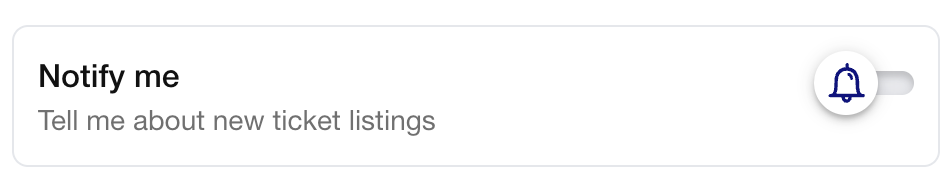
Don’t see tickets yet? Simply join the waitlist by setting up an alert on Noah’s event page. First, select your show, then hit “Notify,” and you’ll get an instant notification the moment a fan posts a ticket.
How to buy, sell & trade Noah Kahan tickets on CashorTrade
Read on for a step-by-step breakdown
Choose “Sell”
Tap the sell option and select Noah Kahan, then choose your specific event.
Enter your seat details
Add your ticket barcode. CashorTrade verifies the ticket with Ticketmaster.
Confirm pricing & payout
Add your PayPal to receive payment, then post your listing.
Get alerted & review the listing
You’ll get a notification when a matching ticket is posted.
Submit your offer
Confirm your Ticketmaster delivery email. Then commit and submit.
Wait for seller acceptance
The seller reviews your profile and accepts your request.
List your trade
Tap “Trade My Tickets.” Choose your artist, date, and enter your ticket details.
Choose what you want in return
Select the tickets you’re looking for.
Negotiate & agree on price
Both traders can send offers. Neither party is charged until you both agree.
Transfer, confirm & review
Both traders transfer their tickets and leave a review.
Payment is held in escrow
Once the seller accepts, the buyer’s card is charged and funds are held.
Ticket moves automatically
CashorTrade transfers the ticket directly from Ticketmaster.
Confirm & leave a review
The buyer marks the ticket received. Both sides leave a review. Payout goes to the seller.